

Freeware: DA-MarkdownEditor can be used free of charge.

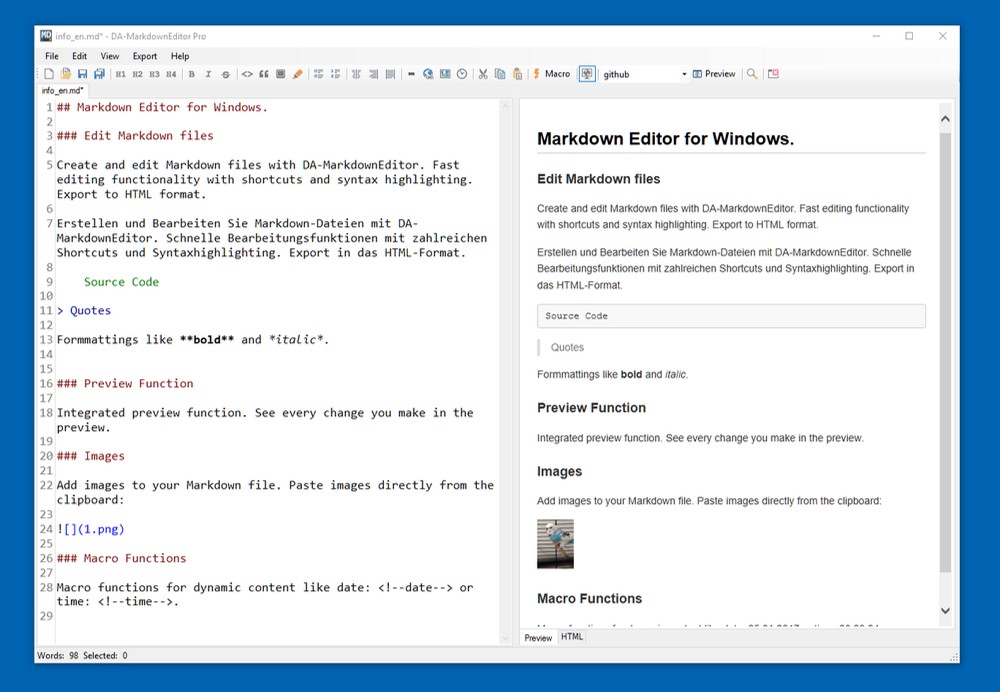
A complete Markdown editor for Windows. Edit and create Markdown files with DA-MarkdownEditor. Many convenient functions help you during the editing process. For example, add images directly from the clipboard without manually saving them.
The integrated preview shows every change you make in real time. Export Markdown files to HTML and PDF formats using customizable templates.
DA-MarkdownEditor is freeware and can be used free of charge.
Reviewed by Android Apps for me
Edit and Create Markdown files
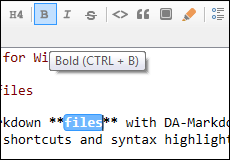
Access all editor functions with shortcuts. Syntax highlighting. Easily create Markdown documents without knowing the full syntax.
Automatic preview and export

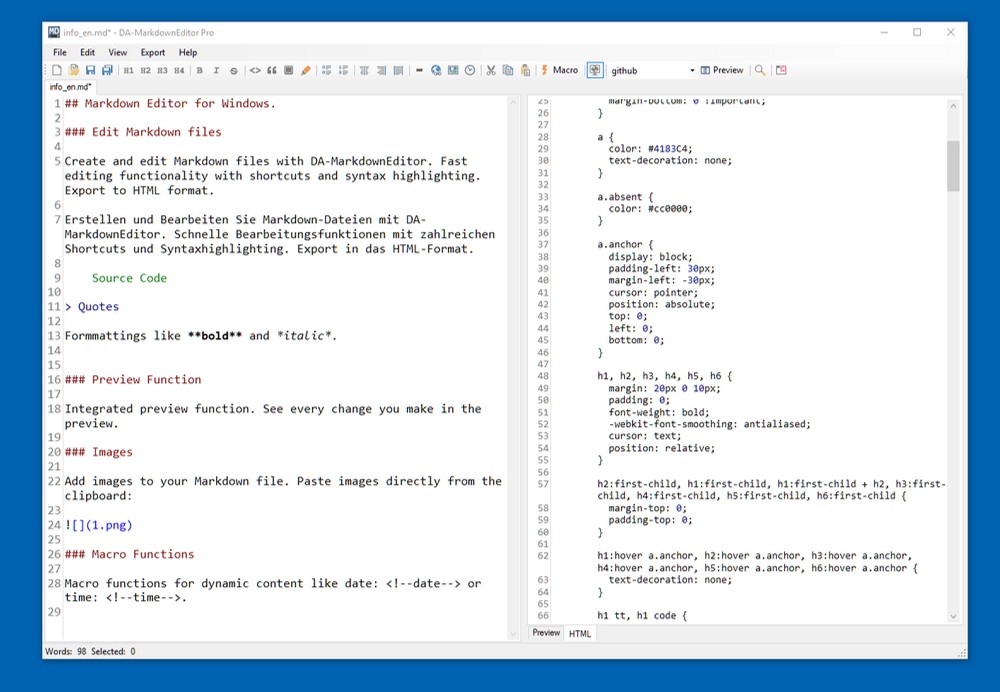
Every change is automatically shown in the integrated preview. Preview and export to HTML format with automatic scrolling.
Editable CSS templates

Several templates are included for preview and export. You can modify and adapt them and switch between different styles.
Macro functions
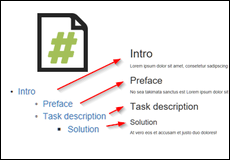
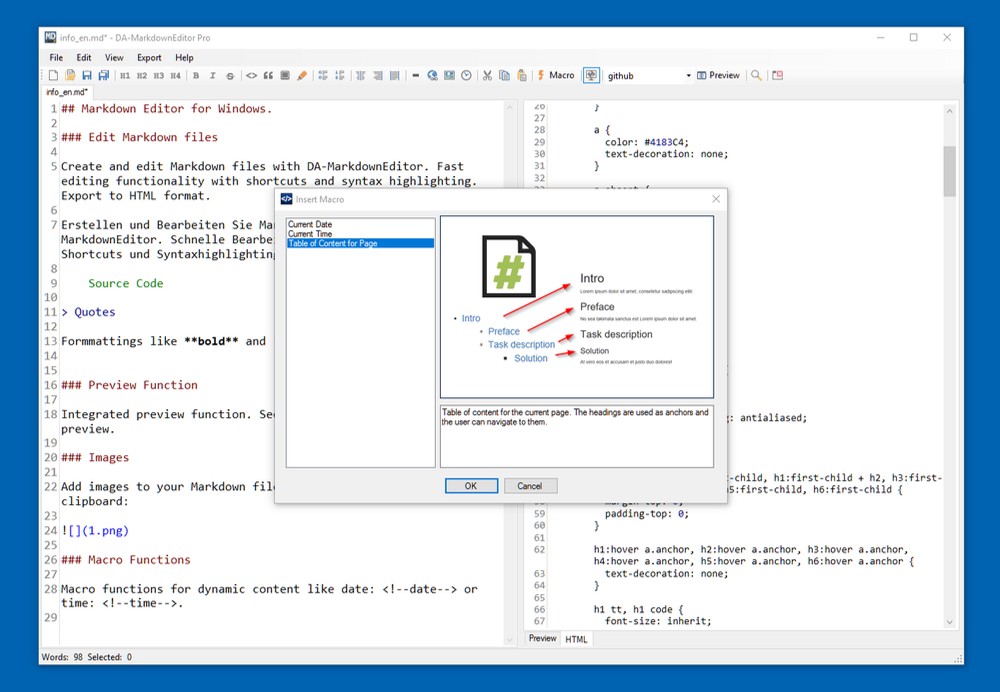
Macro functions for dynamic content like table of contents, date and time.
Paste images from clipboard
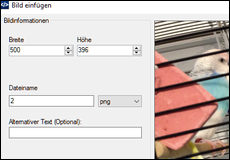
Paste and edit images directly from the clipboard. Images are automatically saved as files.
PDF export

Create PDF files directly from your Markdown documents with adjustable design, page margins and metadata.
Document Navigation

Quickly navigate in long documents. Headings are displayed in an outline view for easy navigation.
File view

Files in the same folder as the Markdown file are displayed. Insert images and files into your document with a single click.
Markdown tables
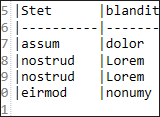
Create and edit Markdown tables using the built-in table editor.
FTP upload

Export your Markdown file as HTML directly to a web server via FTP. Images are uploaded automatically.
Quick upload to Pastery.net and Imgur.com

Export Markdown files quickly to Pastery.net with automatic image upload to Imgur.com.
Markdown Tables
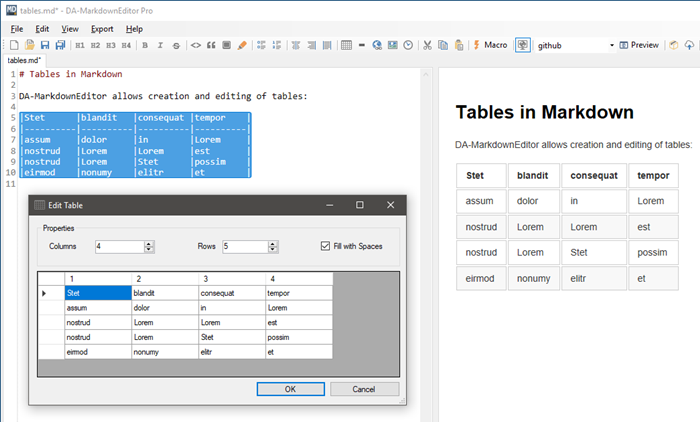
Create Markdown tables with the table editor. The editor allows easy editing of the table contents and generates the corresponding Markdown syntax. Existing tables can also be edited by selecting the table and opening the editor.
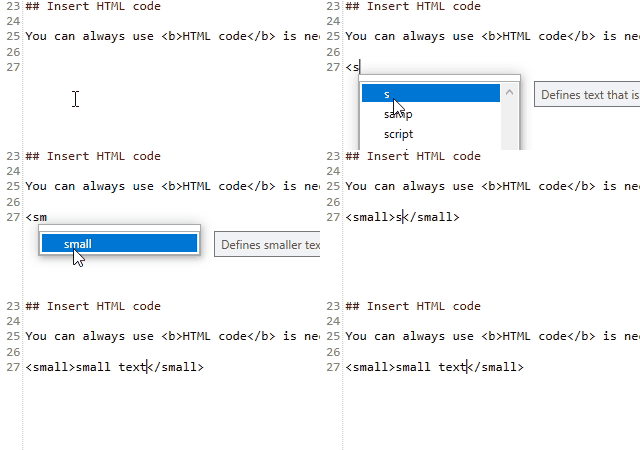
Autocompletion features in the editor
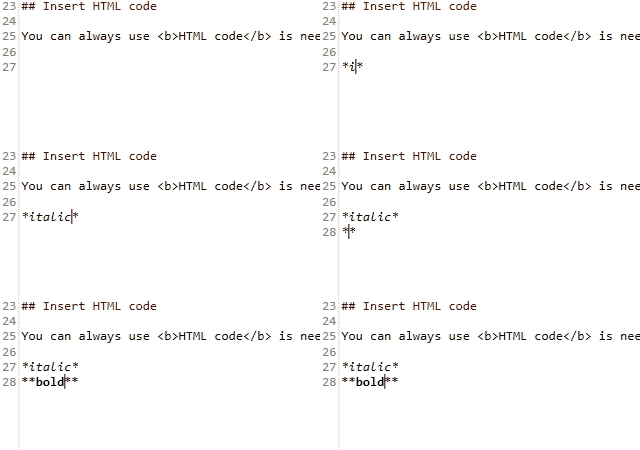
Autocompletion of HTML tags: